
Single player mode Press arrow keys to move Press the Z and X key to hit the ball Two player mode Player 1 Press WASD to move Press the N and M key to hit the ball Player 2 Press arrow keys to mo
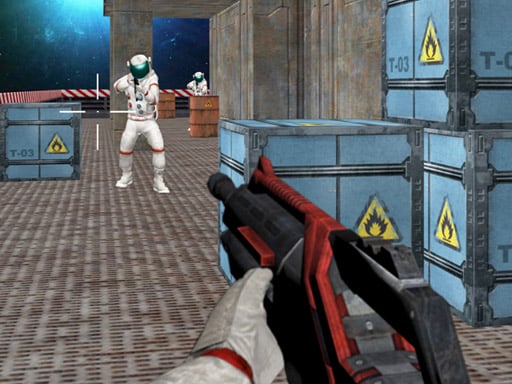
Desktop Arrow keys or W A S D to move the character Mouse to turn the character aim and shoot Mobile Use on-screen joystick to move fire button to shoot tap and drag on right side of the screen to aim and turn the character
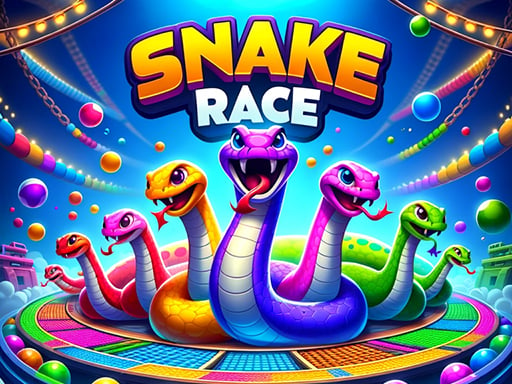
Use the mouse to control the direction of your snake and collect the balls that are the same color as your snake
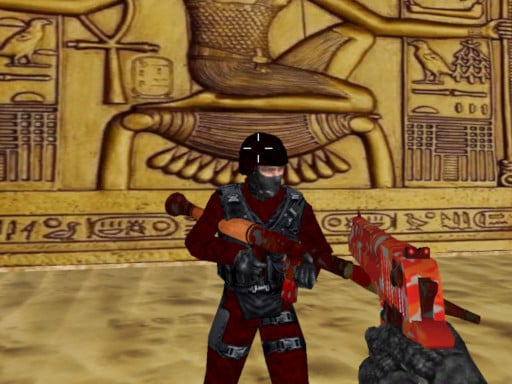
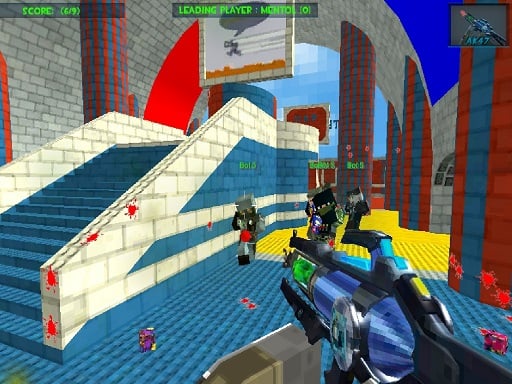
Left mouse button to shoot Right mouse button to aim R to reload C to crouch P to pause 1-9 key to change weapon T to open chat and enter to send

Depending on the gaming device a computer mouse click or a simple touch on touch screens is used for control
Copyright © 2026 playmazez All Rights Reserved.