Game Introduction
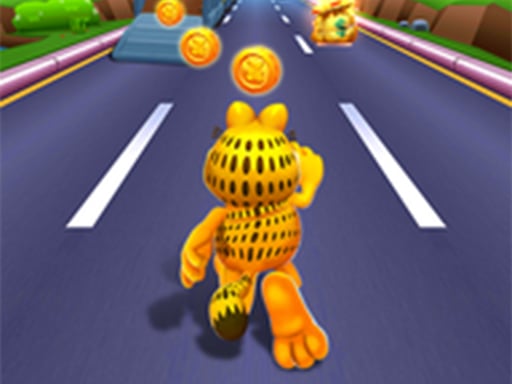
Garfield Rush is an endless running mobile game where the Player is Garfield, Odie or Nemo.After being tricked by a conniving cat named Harry, the player chases after him. As they run, they grab gold coins out of the air while simultaneously dodging collisions with vehicles and other objects, and can also jump on the top of the vehicles to look forshortcuts. The player can collect various items such as coins, score, elastic shoes, jetpacks, magnets and booster packs. By swapping rapidly as speed increases, more coins and score can be acquired. 18 costumes can be unlocked via in-game purchases and players can collect specific items. Plus characters can pig out on lasagna, spaghetti, Neapolitan pizza, hot dogs, burritos, fried chicken and more!